Week 3 was a look into Augmented reality and its uses and limitations. As part of this we created some marker based AR experiences using Zapworks and Unity.
AR uses and limitations:
AR already has many uses in some day to day technologies. It has uses in navigation with the reversing grid lines on parking cameras and sensors as well as being used by google for its interactive AR maps.
It can is also used in interior decorating apps or programs to display paint colours or furniture in the users environment so they can get a rough idea as to how those products would look in their own space, before they have to make a purchase.
In terms of entertainment it can be used for interactive art pieces in art galleries or as part as advertisements. It is also used in games, like Pokémon Go, that use a devices camera to display objects in the real world.
All of these uses have different requirements and limitations. For example, Pokémon Go just overlays the character into the environment using the players phone camera. It doesn’t take into consideration any of the objects that might be in the players way and have the character disappear behind parked cars or posts. It also doesn’t take the users phone model or OS as it only needs to use the camera of the device.
This is intended by Nintendo. As AR was a new technology, by making it simple with the only limitation being the players device has to have a camera, it allowed them to reach a wide audience of players.
AR gets more complex depending on what the program needs to do, the sensor technology will have to take into account;
- Interpretation of the space – this refers to if the displayed object is going to interact with the environment it is in (occlusion) or not. If so Lidar can be used. It uses light and infrared light to map an area to create an occlusion map.
- The objects and surfaces in an area and their properties – the different materials that objects are made of if something you place in AR may interact with. For example if you place an AR vase on a table compared to a rug.
- Lighting – if objects within the experience are reactive to the lighting within an environment.
- Object or symbol recognition – if the experience will rely on a set image and QR code for example (Marker Based AR). Or if it will make use of sensors, GPS and complex algorithms to mark out an environment and use the environment as an anchor (Markerless AR).
UX Design and Considerations:
As with VR the users experience and the programs user interface need to be taken into account when building in AR. the main considerations that are taken into account are;
- The environment is part of the AR experience and design context. Therefore the objects have to 3D as they are live in a 3D world
- Any content, animations and triggers used have to to take into account how the user might react in the real world.
- Take into account Cybersickness (Some users may experience this more than others). This can be affected by camera movement, acceleration and in the real world interactions. To limit this give the player as much control over movement and the environment as possible and blur or limit their peripheral vison to help them focus forwards.
- Any tools or objects the player might use need to be clear and easy to use. But, they cannot be in the way of the players vision when they aren’t using them.
- Think about the UI, either 2D indicators for tutorials like in most games or, in the form of environmental objects.
- Text and images need to be within 1.3 and 3 meters away so as to not strain the users eyes. Also to help user visibility have boxes with concave edges and have it position in the middle third of the screen so the player can see it directly.
All of these points are something I will have to take into consideration if I go down the route of building an AR experience.
Zapworks (Unity):
As part of the labs we were tasked with creating a marker based AR experience. We got an introduction to this with the example below. ZappAR is an extension that can be added to Unity to create AR content, it uses Unity’s WebGl and image trackers to create a small scene that can be hosted on the Zapworks webpage.


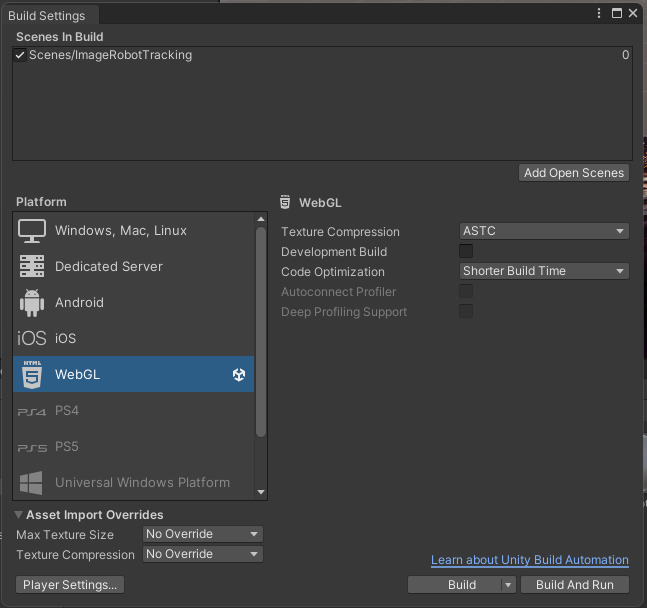
We started with setting up a simple scene using the ZappAR camera and image tracking target. To start we set the platform in Unity to WebGL, this will allow us to export it to Zapworks webpage to create a QR code.
Then we added in the Zappar camera and image tracker, We set the anchor point for the camera to the tracking image plane before adding the lab image in. The image trainer acts as the base for the AR experience and is what the imported asset will be displayed on when set up.
Finally we parented the imported asset to the image tracking plane and set up the on scene events so that the game object (asset) shows when the camera points at the image plane and disappears when the camera moves away.
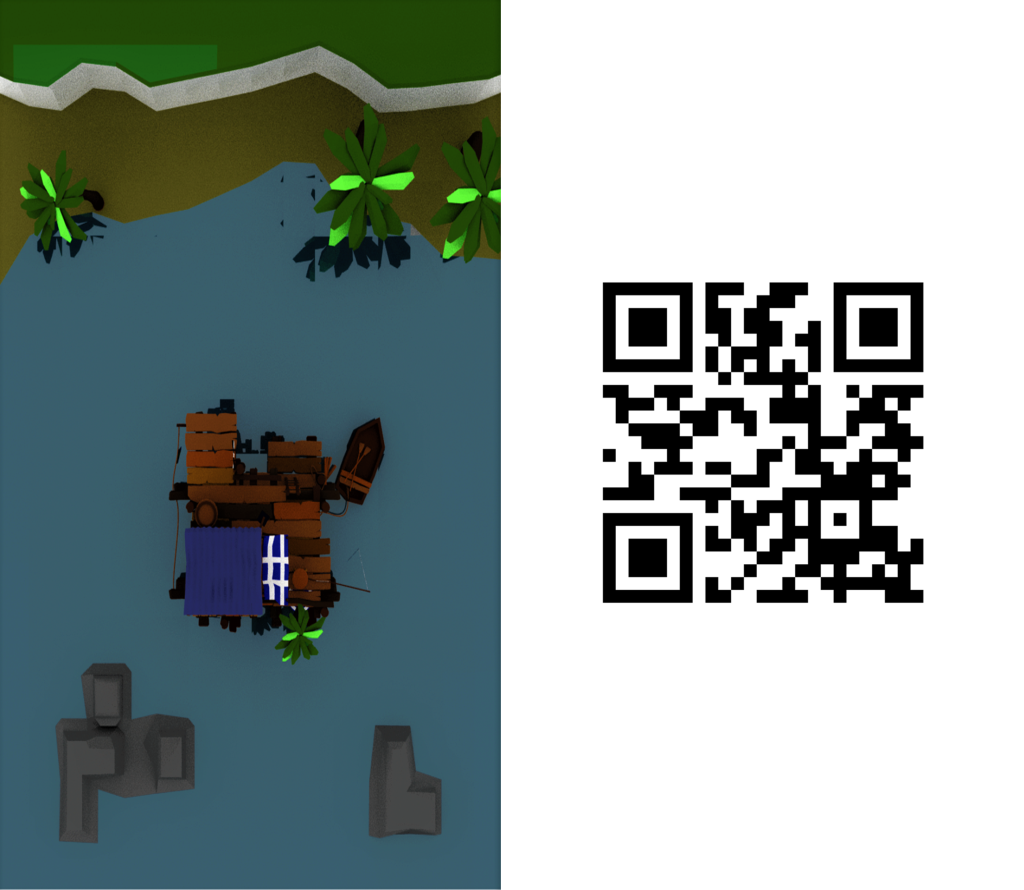
The first was set up using a simple lab asset that makes the little shack appear as a 3D model on the flat plane.
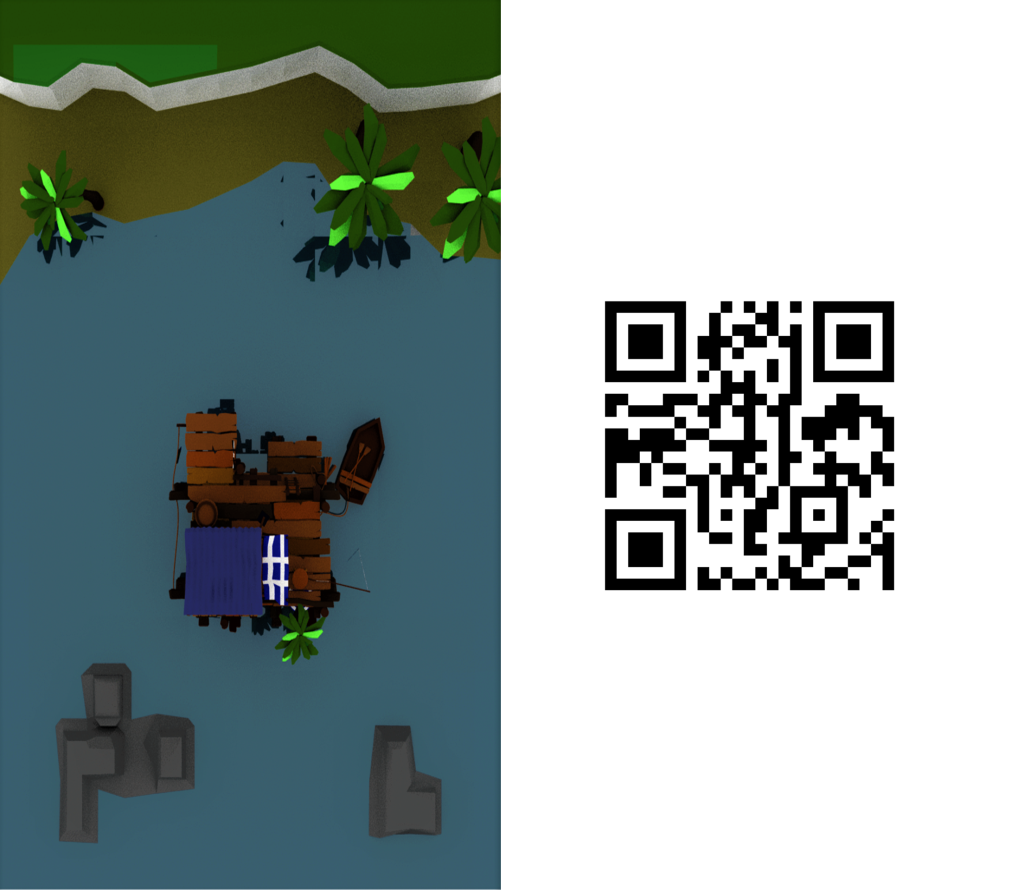
Next was to use the same set up with a simple animated version of the same asset and scene. This adds in some fishes swimming around under the water. This animation is something that still works within the constraints of the Zapworks and is simple enough for the web program to render it properly as it is still in development software.
I then moved onto using some of my own work to create something similar to see where I could take this forward. I followed the same process as I did for the previous 2 setting up the project as a WebGL and importing the Zappar camera and image tracker.
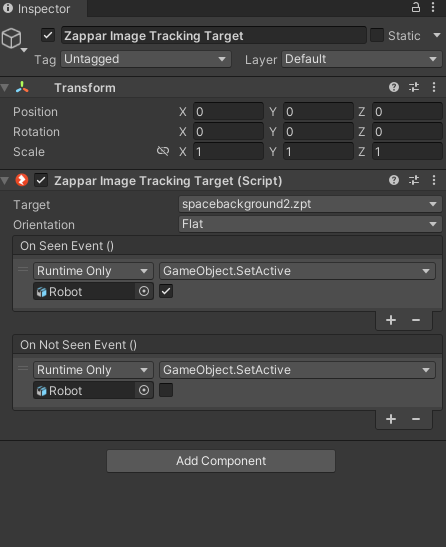
I set up the image tracker to a space image that I sourced, I feel it works with my robot that I imported from Maya. I had to rebuild all of the textures within Unity as none of the custom textures I had from Maya imported correctly.
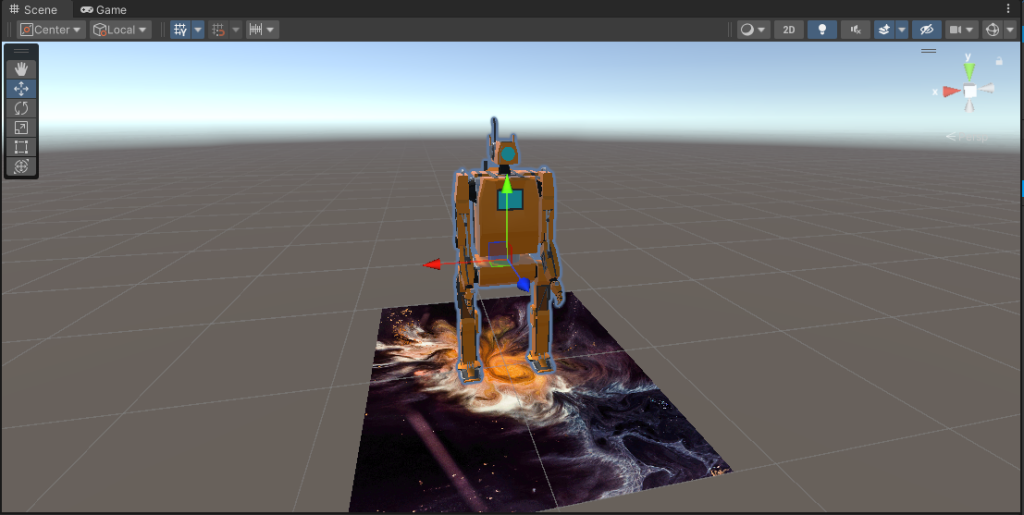
From here I compiled the project and exported from Unity before zipping up the file and adding it to the web Zapworks project to set up the QR code.


Concepts and Ideas:
Zapworks is still new so some advanced animations and particle systems possibly wont be supported on the web. It also has a file size cap to content that I can upload in a .zip file.
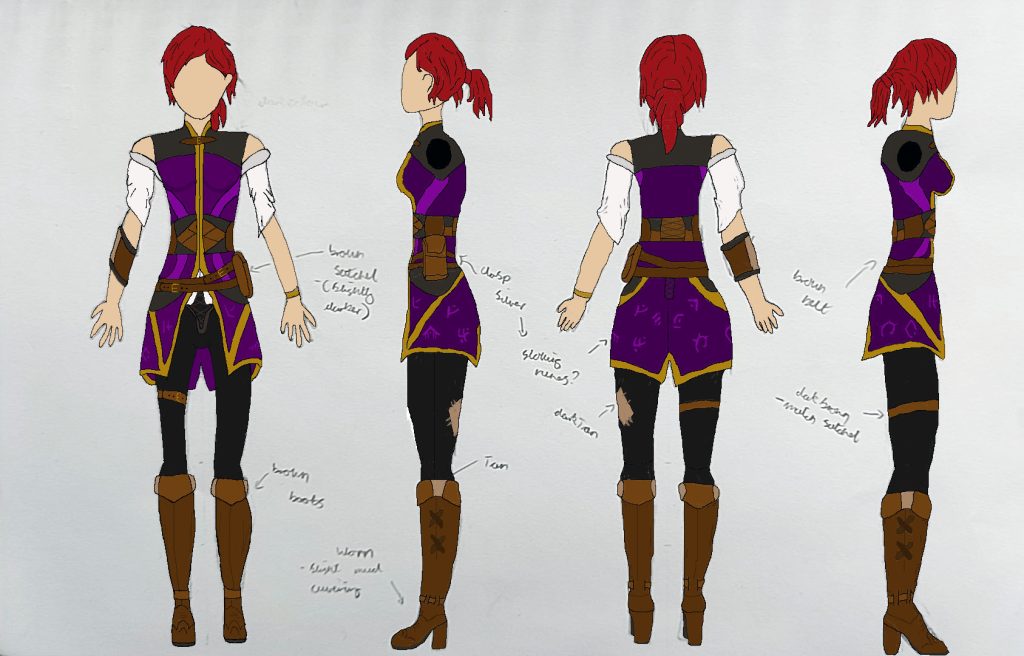
With this in mind, I had a few ideas as to what I could take forward as an idea using Zapworks and Unity. I could possibly have parts of my blogpost or portfolio of work have a QR code and Image that act as anchors, to showcase some of my models in an AR environment. I could use my drawn concepts as the anchor for these models so it shows the development process from concept to finished product.
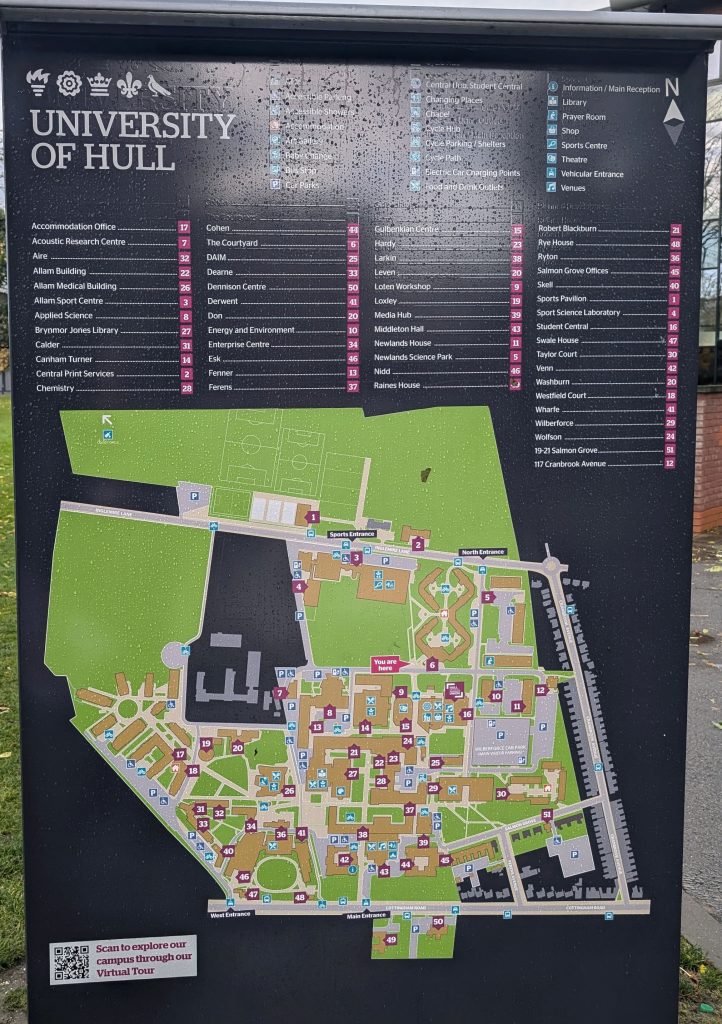
As an alternative I could use the universities own maps that are dotted around campus to create an interactive map of the university. Those map points would act as the anchor for any information I apply to it. This could be in the form of making the 2D buildings on the map 3D and having a large marker to show anyone where they are in relation to the buildings around them.
References:
MoreAliA (2016) Pokémon Go Episode one – catching Pokémon [Video] Available Online: Pokemon GO Episode #1 – CATCHING POKEMON! [Accessed 15/10/2024]
Felipe, J. (2017) Image of a space nebula [Image] Available Online: Multicolored abstract painting photo – Free Abstract Image on Unsplash [Accessed 10/10/2024]